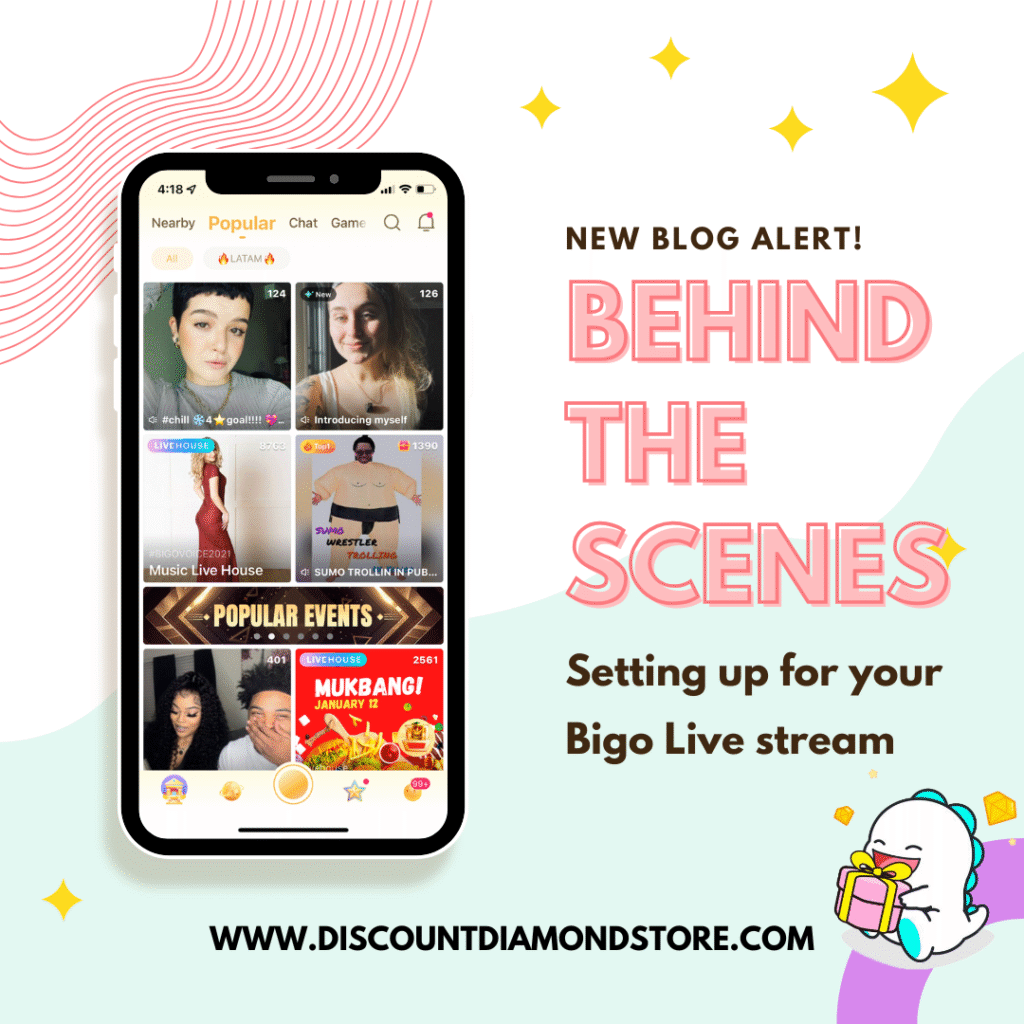
Going live on Bigo looks simple from the outside, but a smooth stream starts long before you tap “Go Live.” Here’s a quick look at what happens behind the scenes when preparing a professional-grade broadcast.
1. Define the session
Choose your stream type—chat, gaming, music, or multi-guest—and outline the flow. A loose script keeps the energy steady while leaving room for spontaneity.
2. Prep your space
Good lighting and clean framing matter. A soft front light prevents harsh shadows, and a neutral background keeps viewers focused on you.
3. Dial in your hardware
Test mic gain, camera angle, and network stability. A wired connection or strong Wi-Fi avoids spikes and frame drops.
4. Configure your Bigo settings
Set stream title, tags, beauty filters (if you use them), and interaction tools like PK or multi-guest rooms. These settings heavily influence discovery and engagement.
5. Warm up your audience
Announce your session early. When you go live, greet viewers by name, activate gifts/goal features, and kick off the experience with a clear opening.
A polished broadcast isn’t magic—it’s prep. Set the stage right, and your audience feels the difference the moment they join.